Packshot maker for clean studio product images

A packshot is a plain, well-lit picture of a product on its own, the image a shop or a catalogue leads with. This packshot maker turns an ordinary product photo into one: it relights the product with a studio setup, replaces the background with a seamless sweep, adds a grounding shadow, then restores the product’s own colour and checks its label. The exports for marketplaces are made in your browser and cost nothing.

From $13.89, with free credits for one relight at sign-up

Updated

Drop up to 10 product photos here

JPG, PNG, WebP or HEIC, up to 20 MB each. Big photos are shrunk in your browser first.

White sneaker: a phone snapshot relit as a studio product shot: BeforeWhite sneaker: a phone snapshot relit as a studio product shot: AfterPhone shotWhite sweep

How it works

  1. 1

    Upload one photo or a batch of up to 10

    Photograph the product straight on in even daylight if you can. The studio replaces the background, so a busy room behind it is fine.

  2. 2

    Choose white sweep or high-key

    White sweep gives a soft key and fill on pure white; high-key is brighter with almost no shadow. Set the background to the setup’s sweep or a plain colour and keep a soft contact shadow.

  3. 3

    Export the marketplace sizes

    Download an Amazon-style 1:1 on white, an Etsy 4:5, a Shopify square or a transparent PNG, with your margin and JPG quality, or the whole batch as one ZIP.

Good for

  • Main images for Amazon, Etsy and Shopify listings
  • Catalogue and wholesale sheets with one consistent look
  • Packaging shots where the printed label must stay readable
  • Replacing a cluttered table or floor with a clean studio sweep
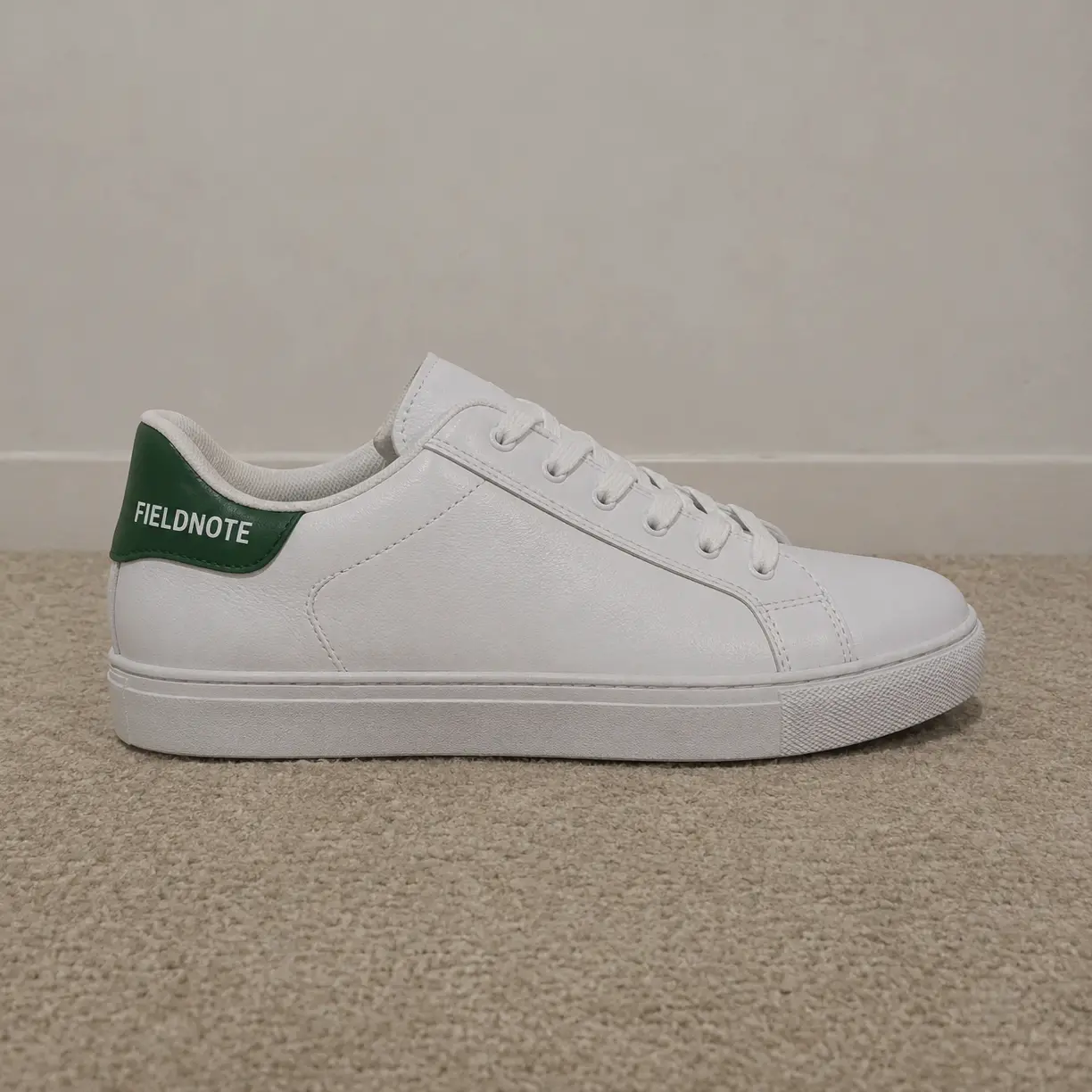
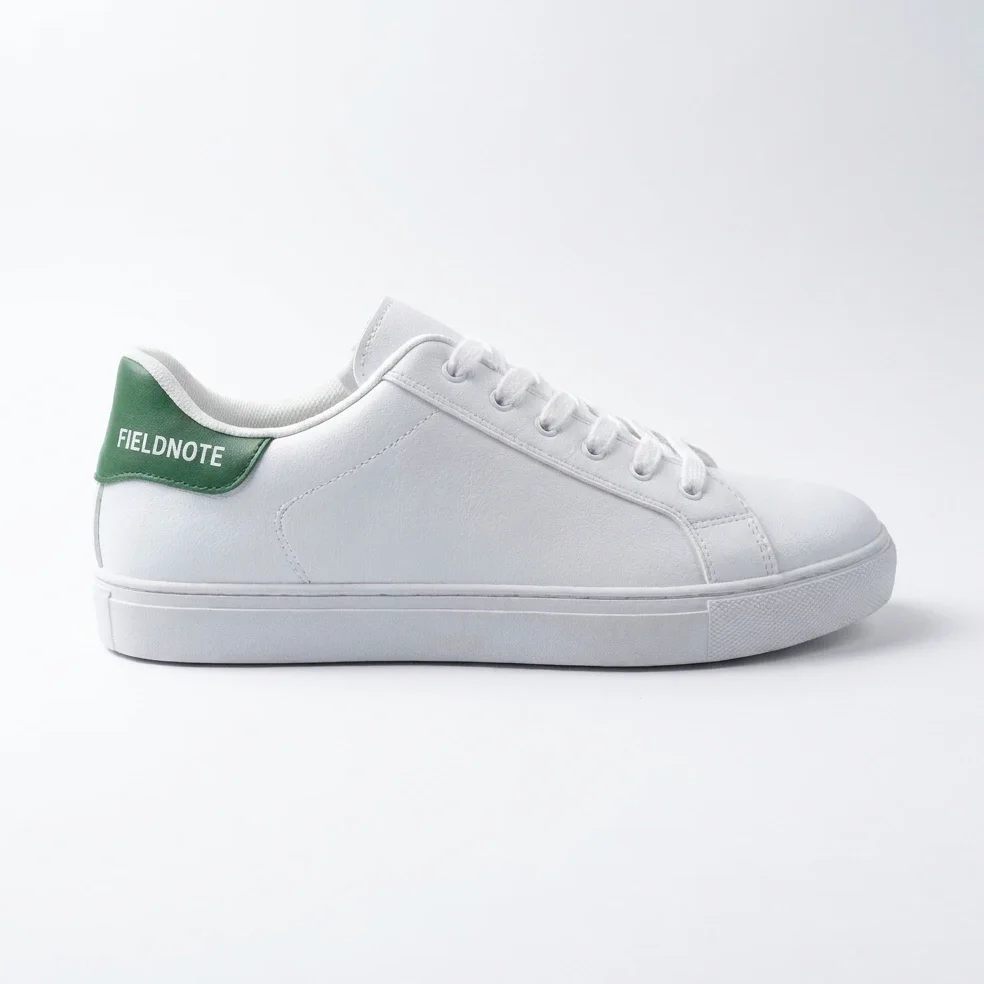
White sneaker: a phone snapshot relit as a studio product shot: BeforeWhite sneaker: a phone snapshot relit as a studio product shot: AfterPhone shotWhite sweep

White sneaker · White sweep

Show the prompt: Relight this product photo as a professional studio product shot with bright, even, clean studio light that wraps softly around the product from the front left, with a gentle fill on the other side, the look of a marketplace main image. The key light comes from the left of the camera, raised high and angled down. Add a soft contact shadow right under the product where it touches the surface, grounding it. Replace the background with a seamless pure white paper sweep, and place the product on it as in a studio. Change only the light, shadows, highlights and reflections. Keep the product exactly as it is: its shape, proportions, colours, materials, printed label, logo and every letter of its text. Keep the camera angle and framing. Add no new objects, people, text or watermarks, and show no lights, stands, softboxes or other studio equipment in the frame.

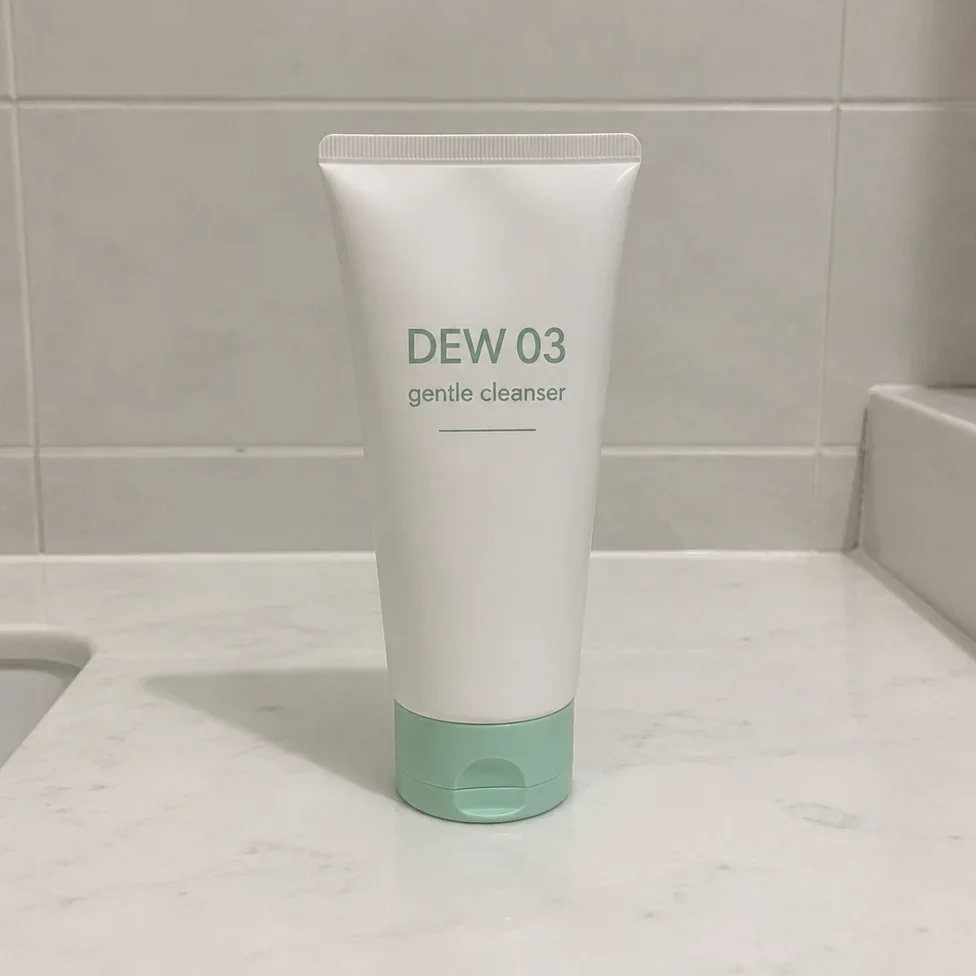
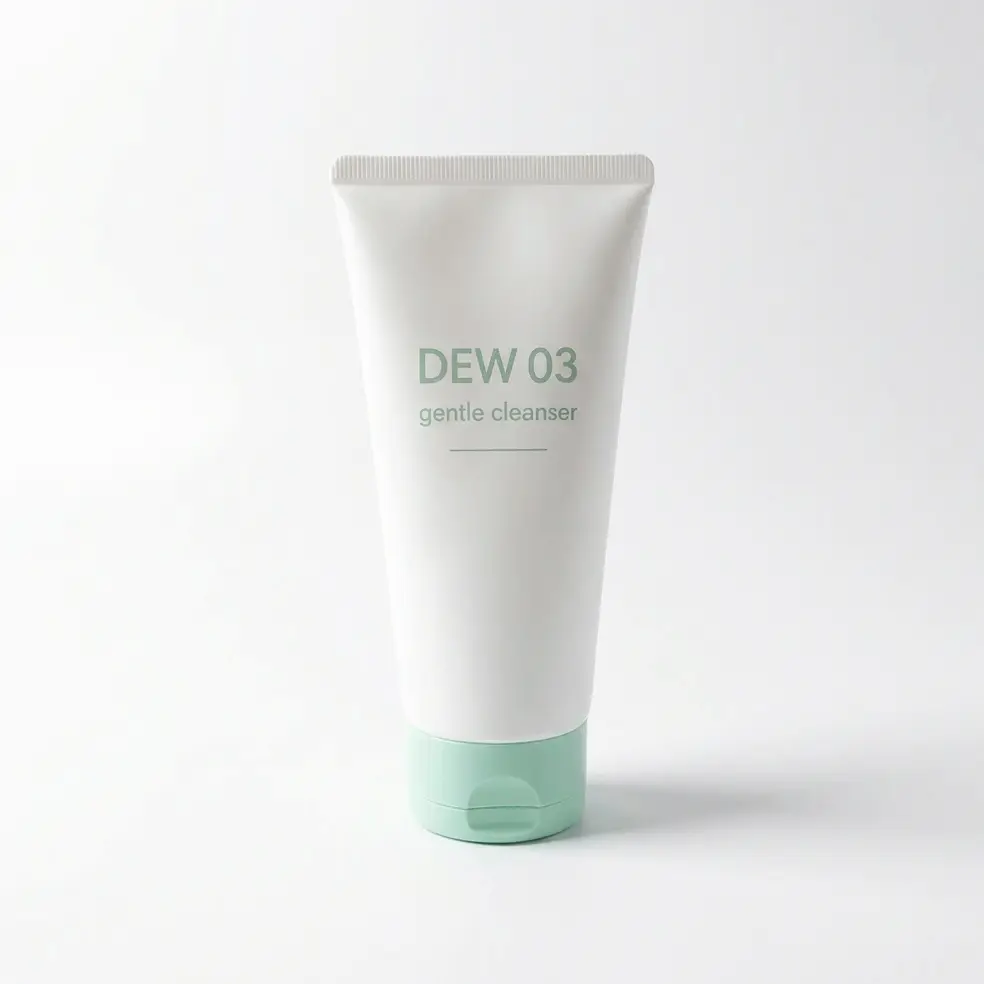
Skincare tube: a phone snapshot relit as a studio product shot: BeforeSkincare tube: a phone snapshot relit as a studio product shot: AfterPhone shotWhite sweep

Skincare tube · White sweep

Show the prompt: Relight this product photo as a professional studio product shot with bright, even, clean studio light that wraps softly around the product from the front left, with a gentle fill on the other side, the look of a marketplace main image. The key light comes from the left of the camera, raised high and angled down. Add a soft contact shadow right under the product where it touches the surface, grounding it. Replace the background with a seamless pure white paper sweep, and place the product on it as in a studio. Change only the light, shadows, highlights and reflections. Keep the product exactly as it is: its shape, proportions, colours, materials, printed label, logo and every letter of its text. Keep the camera angle and framing. Add no new objects, people, text or watermarks, and show no lights, stands, softboxes or other studio equipment in the frame.
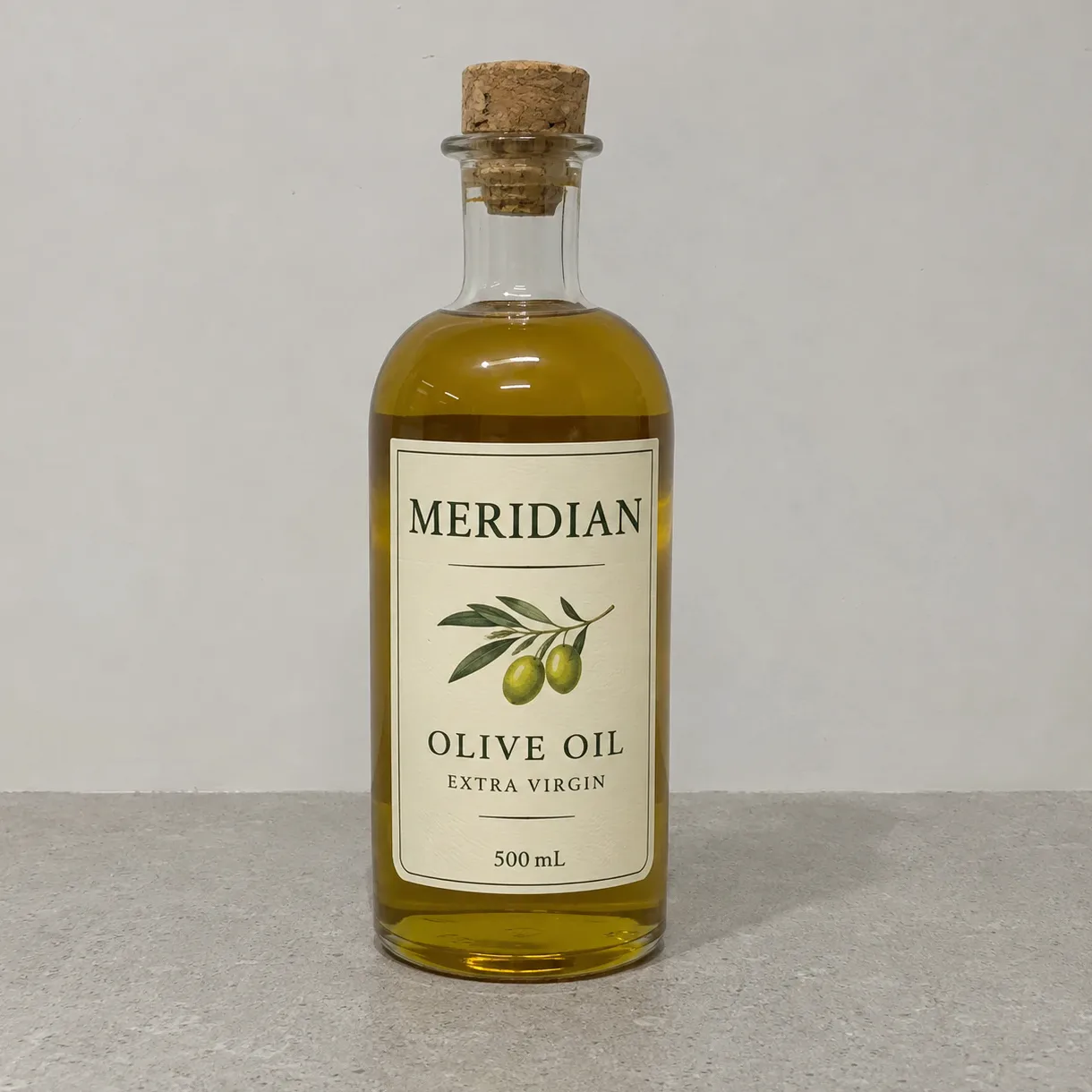
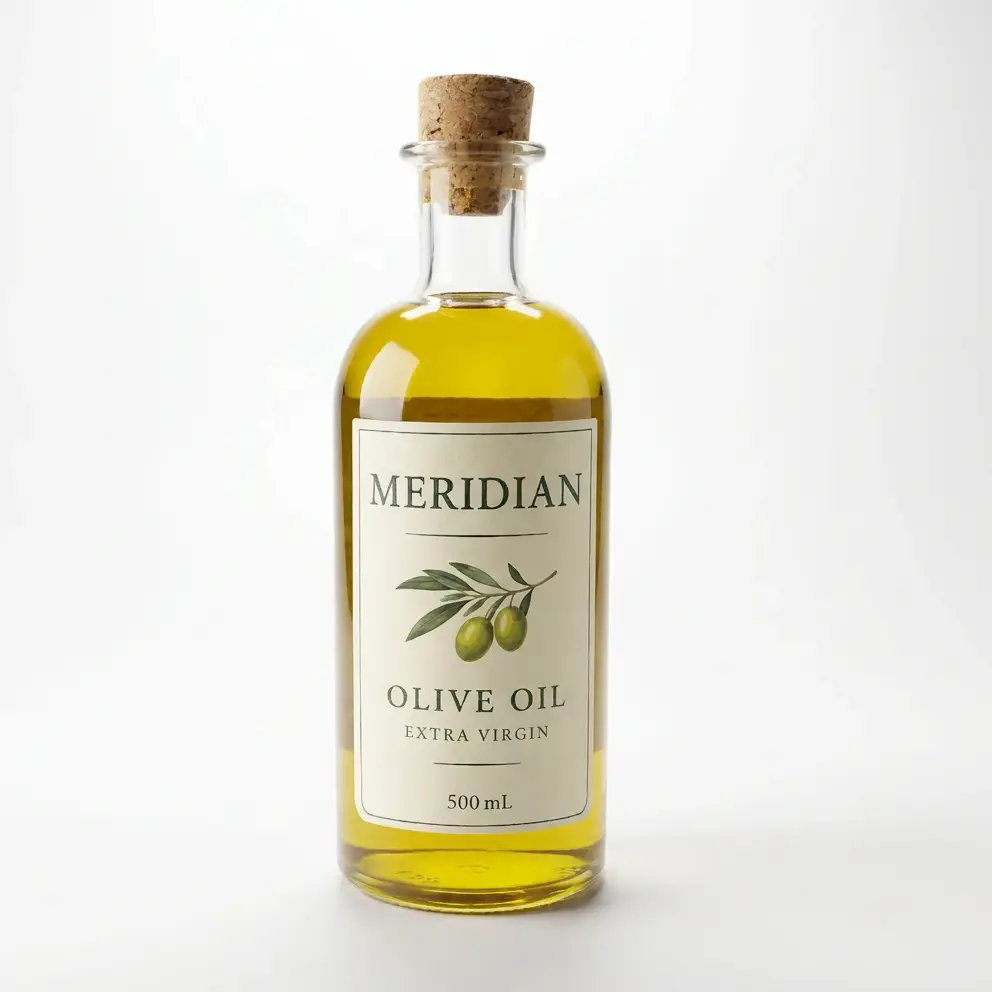
Olive oil bottle: a phone snapshot relit as a studio product shot: BeforeOlive oil bottle: a phone snapshot relit as a studio product shot: AfterPhone shotWhite sweep

Olive oil bottle · White sweep

Show the prompt: Relight this product photo as a professional studio product shot with bright, even, clean studio light that wraps softly around the product from the front left, with a gentle fill on the other side, the look of a marketplace main image. The key light comes from the left of the camera, raised high and angled down. Add a soft contact shadow right under the product where it touches the surface, grounding it. Replace the background with a seamless pure white paper sweep, and place the product on it as in a studio. Change only the light, shadows, highlights and reflections. Keep the product exactly as it is: its shape, proportions, colours, materials, printed label, logo and every letter of its text. Keep the camera angle and framing. Add no new objects, people, text or watermarks, and show no lights, stands, softboxes or other studio equipment in the frame.
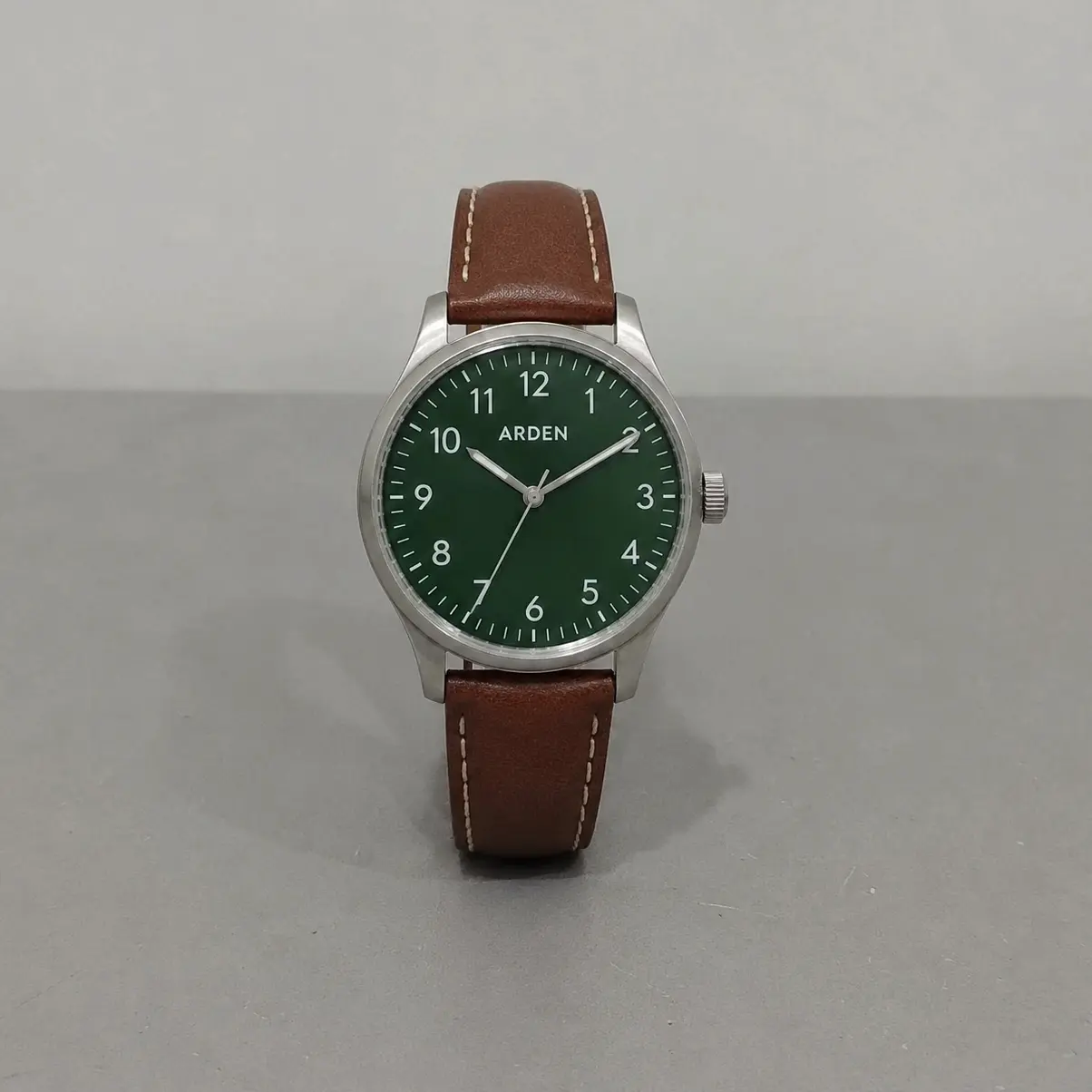
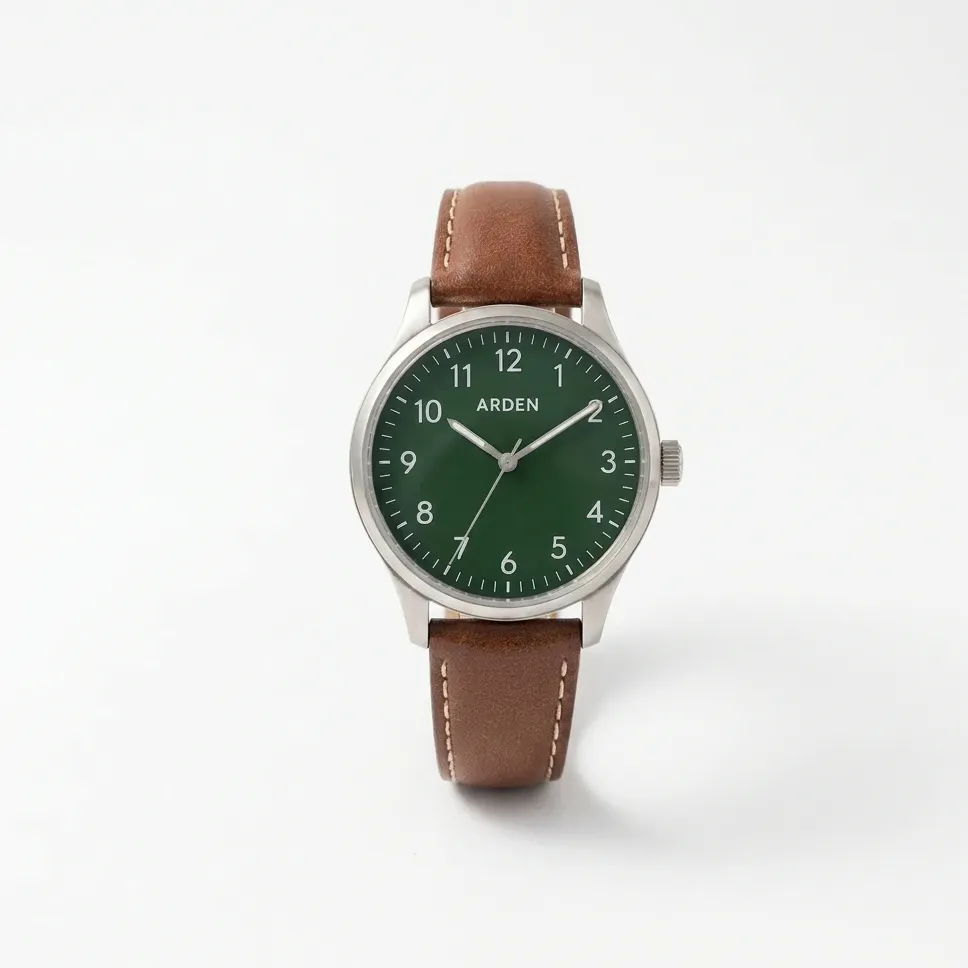
Wristwatch: a phone snapshot relit as a studio product shot: BeforeWristwatch: a phone snapshot relit as a studio product shot: AfterPhone shotWhite sweep

Wristwatch · White sweep

Show the prompt: Relight this product photo as a professional studio product shot with bright, even, clean studio light that wraps softly around the product from the front left, with a gentle fill on the other side, the look of a marketplace main image. The key light comes from the left of the camera, raised high and angled down. Add a soft contact shadow right under the product where it touches the surface, grounding it. Replace the background with a seamless pure white paper sweep, and place the product on it as in a studio. Change only the light, shadows, highlights and reflections. Keep the product exactly as it is: its shape, proportions, colours, materials, printed label, logo and every letter of its text. Keep the camera angle and framing. Add no new objects, people, text or watermarks, and show no lights, stands, softboxes or other studio equipment in the frame.
01

What is a packshot?

A packshot is a studio photo of a product, or its packaging, shown on its own against a plain background with even light and no props. It tells a buyer exactly what arrives in the box. Packshots lead product pages, catalogues and marketplace listings, while lifestyle photos with props and scenes come after them.

02

White background product photo

A white background product photo needs more than a white backdrop. The product needs light from a large source so its shape reads, a fill so dark sides keep their detail, and a soft contact shadow so it does not float. The white sweep setup does all three in one run, and the colour restore afterwards keeps a white-lit product from drifting cool or warm.

03

Amazon product photo

Marketplaces such as Amazon ask for a main image on pure white with the product filling most of the frame. Use white sweep with the setup’s background, then the 1:1 white export with a small margin. The label check matters most here: a main image with a redrawn brand name can be rejected, so a flagged result should be run again before you upload it.

Credits per photo

Before every run, the price of that exact relight shows next to the button. Plans and credit packs

ModelGood for1K2K4K
Nano Banana ProDefault: keeps products and labels best; runs photos with people117117151
GPT Image 2Product-only photos at a lower price4871105

Questions

What is a packshot?

A clean studio image of a product or its packaging on a plain background, evenly lit and without props. It is usually the first image on a product page or in a catalogue.

What size should Amazon or Etsy product photos be?

Amazon main images are square on pure white, and large images let buyers zoom. Etsy shows listing photos at 4:5 in many places. The studio exports both, plus a Shopify square and a transparent PNG, sized from your result.

Will the printed label stay readable?

The model is asked to keep every letter. After the render the label check compares the printed area with your original and flags a result where it looks different, with a side-by-side zoom. It flags; it does not repair.

Can I make packshots for a whole range at once?

Yes, up to 10 photos per batch on one setup, with the total shown before you start and one ZIP at the end.

Are the exports free?

Yes. Crops, padding, transparent PNGs and the ZIP are made in your browser and cost no credits.