
Product shadow generator that relights the product too

A product shadow is what makes an item look like it stands on a surface instead of floating on it. This AI shadow generator does not paste a grey blur under a cut-out: it relights the product and the surface together, so the shadow falls from the same light that shapes the product. Choose a contact shadow right where the product touches the ground, or a cast shadow that falls away from the key light, and set its edge soft or hard.

From $13.89, with free credits for one relight at sign-up

Updated

Drop up to 10 product photos here

JPG, PNG, WebP or HEIC, up to 20 MB each. Big photos are shrunk in your browser first.

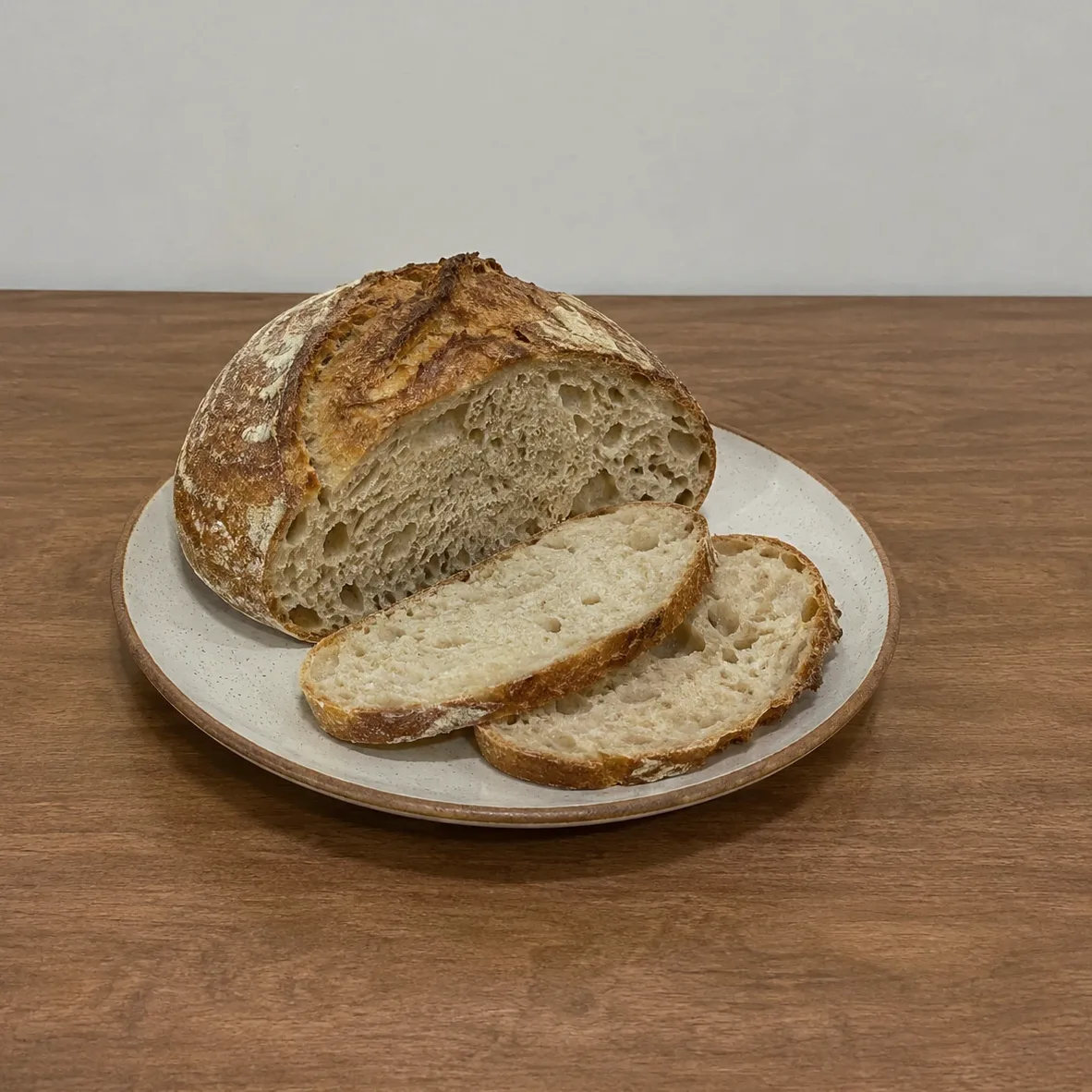
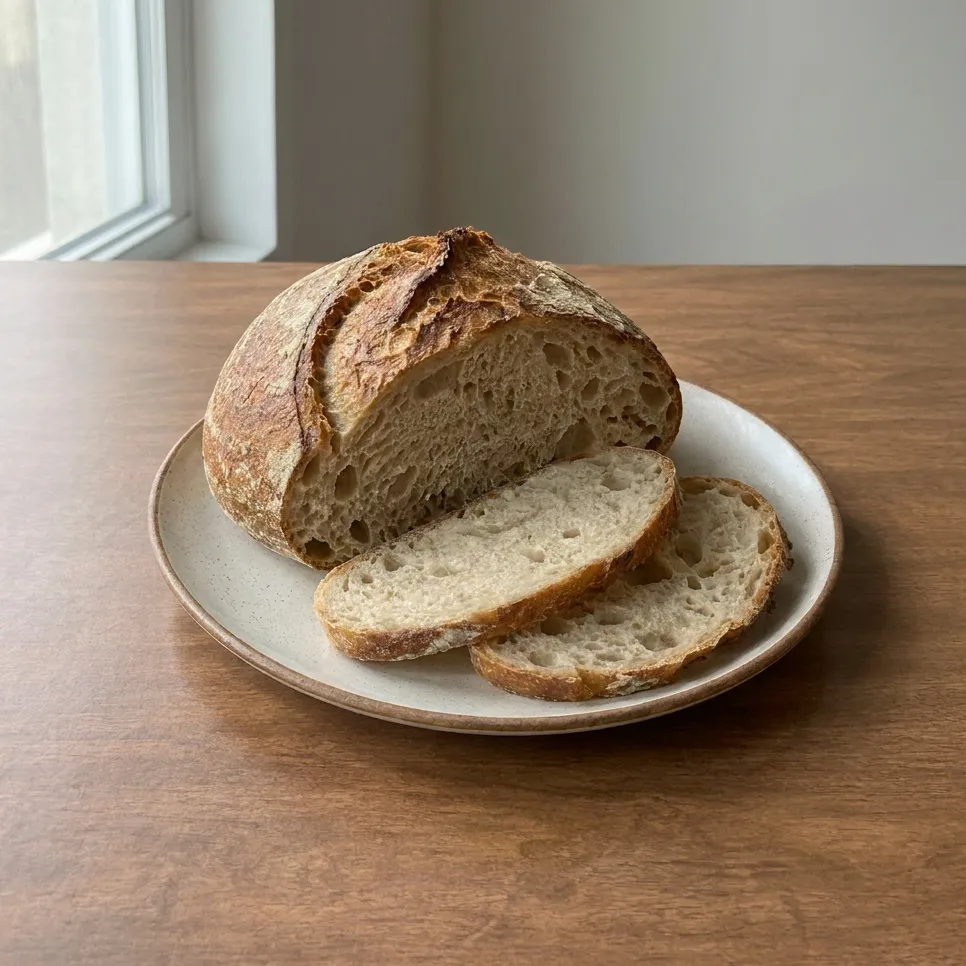
Sourdough loaf: a phone snapshot relit as a studio product shot: BeforeSourdough loaf: a phone snapshot relit as a studio product shot: AfterPhone shotWindow light

How it works

  1. 1

    Upload the product photo

    Any background works. For a clean result, keep the whole product in frame, including its base.

  2. 2

    Choose the shadow and where the light comes from

    Pick contact or cast, soft or hard. The cast shadow falls away from the key light, so set the key to the left, right, above or behind and its height to low, product height or high. A low key makes a longer shadow.

  3. 3

    Pick the surface and export

    Keep the background, use the setup’s sweep, a plain colour, one of our scenes or your own backdrop. Then download the result or a marketplace crop, free in the browser.

Good for

  • Cut-out product photos that look flat on a white background
  • Marketplace images that need a subtle grounding shadow
  • Lifestyle shots on our marble, oak or linen scenes
  • Matching the shadow direction across a set of listings
Sourdough loaf: a phone snapshot relit as a studio product shot: BeforeSourdough loaf: a phone snapshot relit as a studio product shot: AfterPhone shotWindow light

Sourdough loaf · Window light

Show the prompt: Relight this product photo as a professional studio product shot with soft natural daylight from a large window on one side, falling off gently across the product, with a soft shadow. The key light comes from the left of the camera, at the product’s own height. Add a soft-edged cast shadow falling away from the key light onto the surface. Keep the photo’s own background and setting; only its light changes to match. Change only the light, shadows, highlights and reflections. Keep the product exactly as it is: its shape, proportions, colours, materials, printed label, logo and every letter of its text. Keep the camera angle and framing. Add no new objects, people, text or watermarks, and show no lights, stands, softboxes or other studio equipment in the frame.

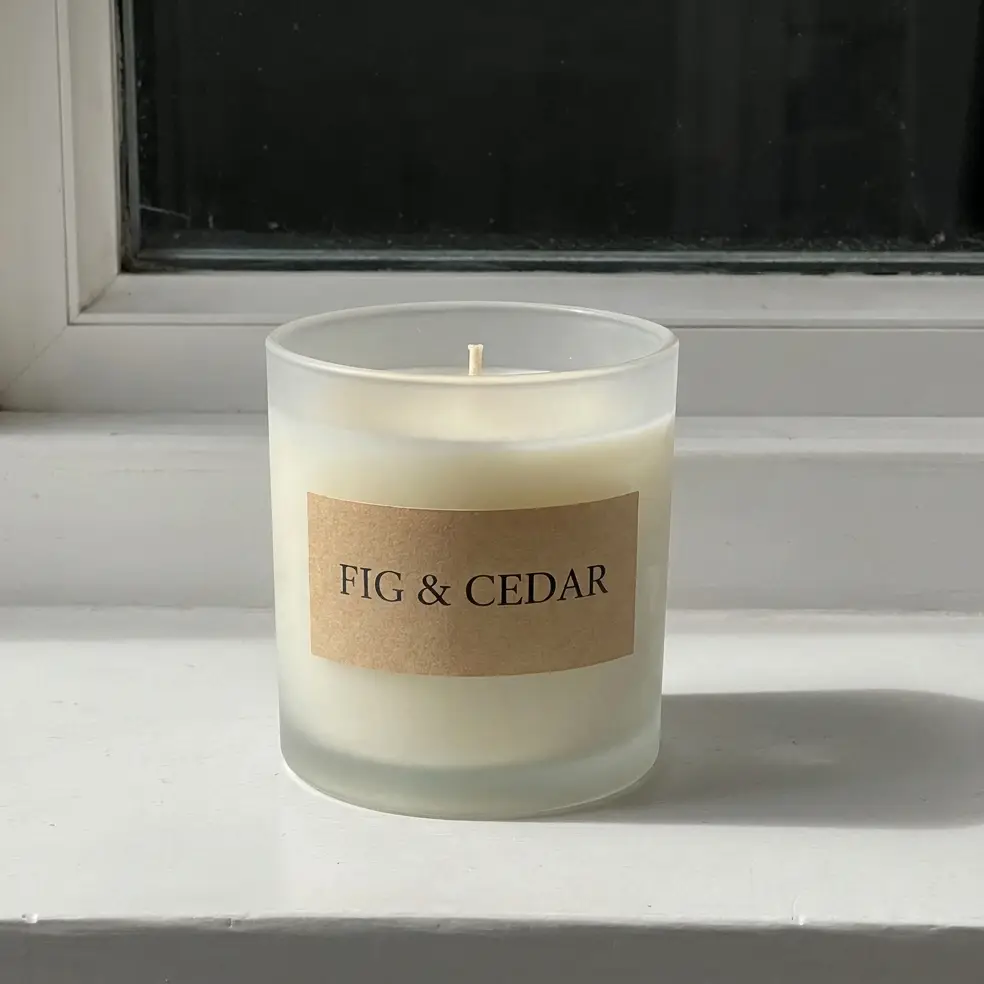
Jar candle: a phone snapshot relit as a studio product shot: BeforeJar candle: a phone snapshot relit as a studio product shot: AfterPhone shotWindow light

Jar candle · Window light

Show the prompt: Relight this product photo as a professional studio product shot with soft natural daylight from a large window on one side, falling off gently across the product, with a soft shadow. The key light comes from the left of the camera, at the product’s own height. Add a soft-edged cast shadow falling away from the key light onto the surface. Keep the photo’s own background and setting; only its light changes to match. Change only the light, shadows, highlights and reflections. Keep the product exactly as it is: its shape, proportions, colours, materials, printed label, logo and every letter of its text. Keep the camera angle and framing. Add no new objects, people, text or watermarks, and show no lights, stands, softboxes or other studio equipment in the frame.

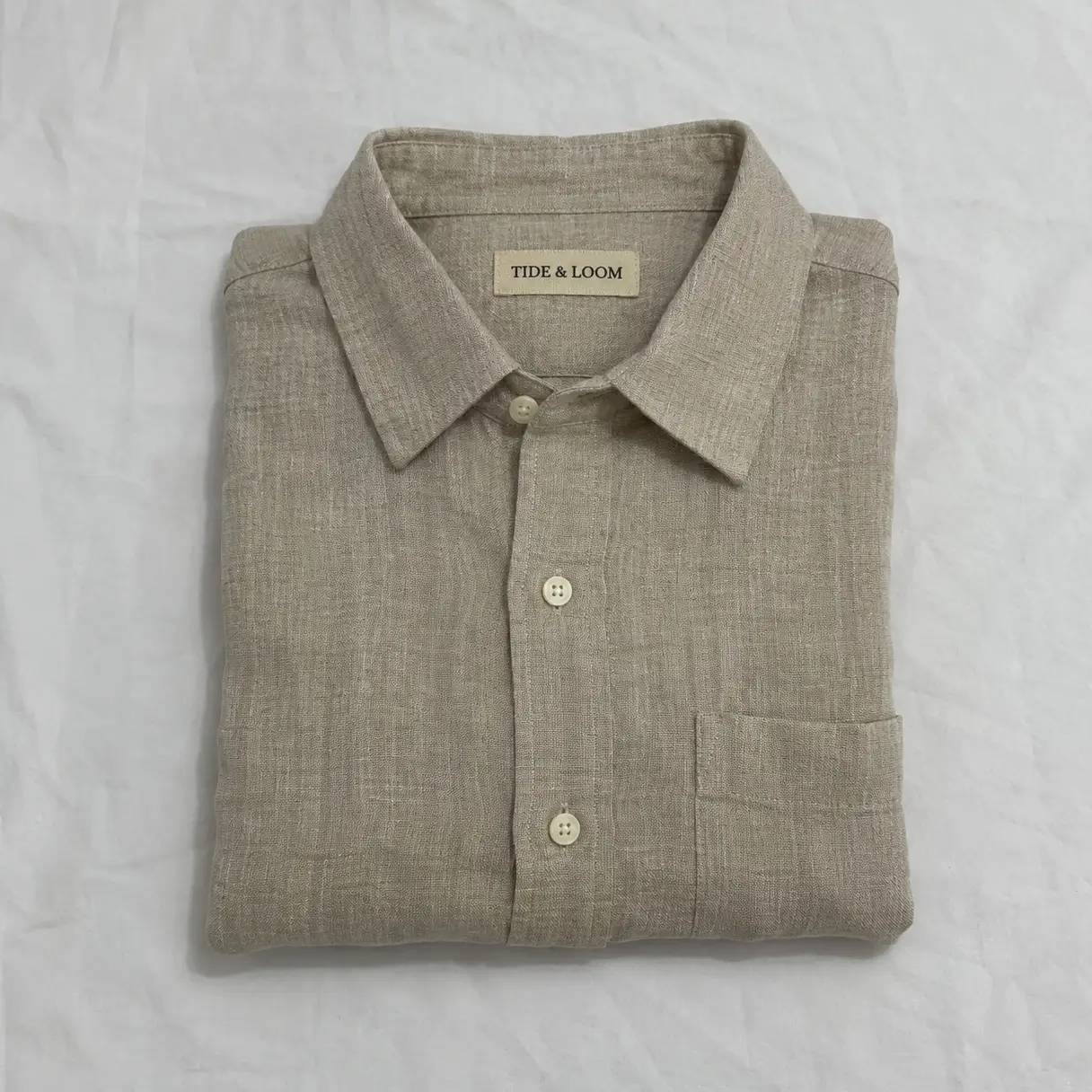
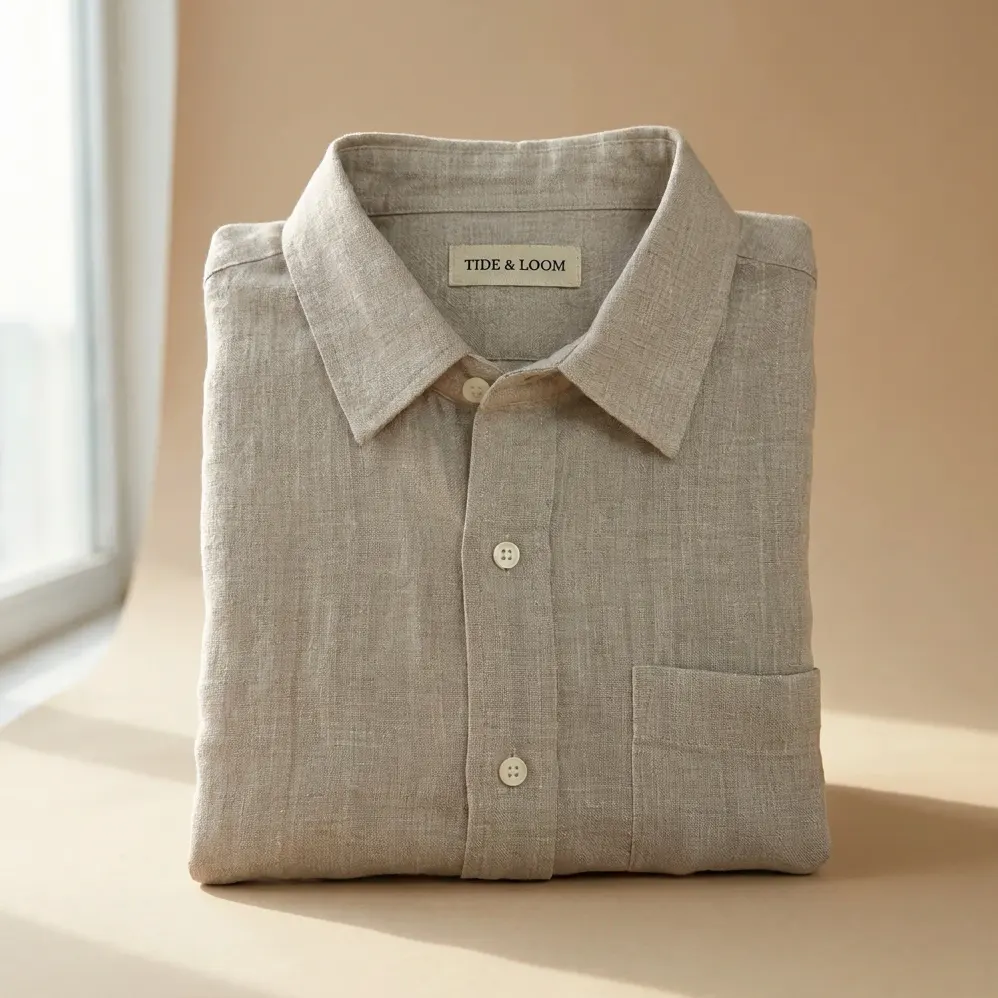
Linen shirt: a phone snapshot relit as a studio product shot: BeforeLinen shirt: a phone snapshot relit as a studio product shot: AfterPhone shotWindow light

Linen shirt · Window light

Show the prompt: Relight this product photo as a professional studio product shot with soft natural daylight from a large window on one side, falling off gently across the product, with a soft shadow. The key light comes from the left of the camera, at the product’s own height. Add a soft contact shadow right under the product where it touches the surface, grounding it. Replace the background with a seamless warm sand beige paper sweep, and place the product on it as in a studio. Change only the light, shadows, highlights and reflections. Keep the product exactly as it is: its shape, proportions, colours, materials, printed label, logo and every letter of its text. Keep the camera angle and framing. Add no new objects, people, text or watermarks, and show no lights, stands, softboxes or other studio equipment in the frame.

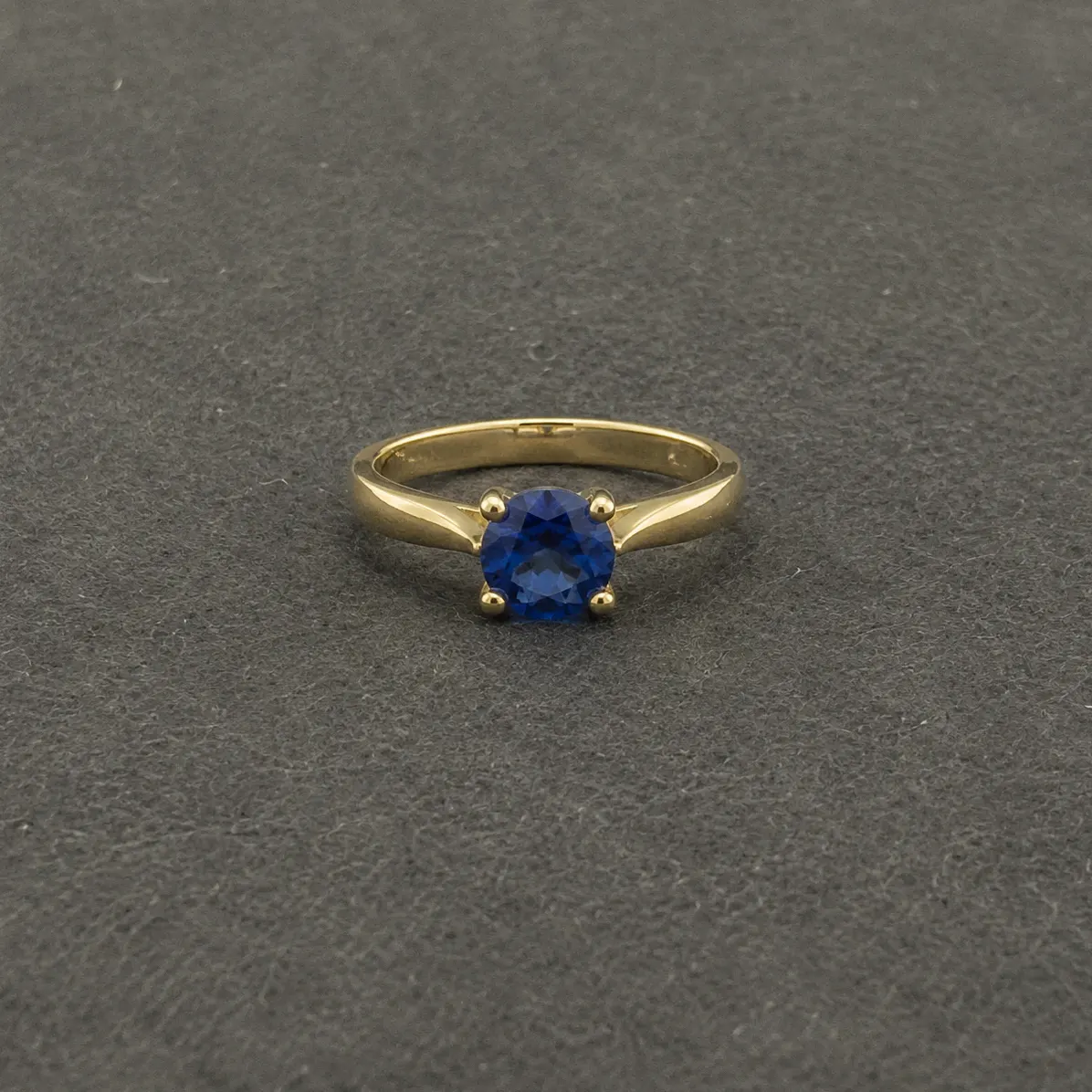
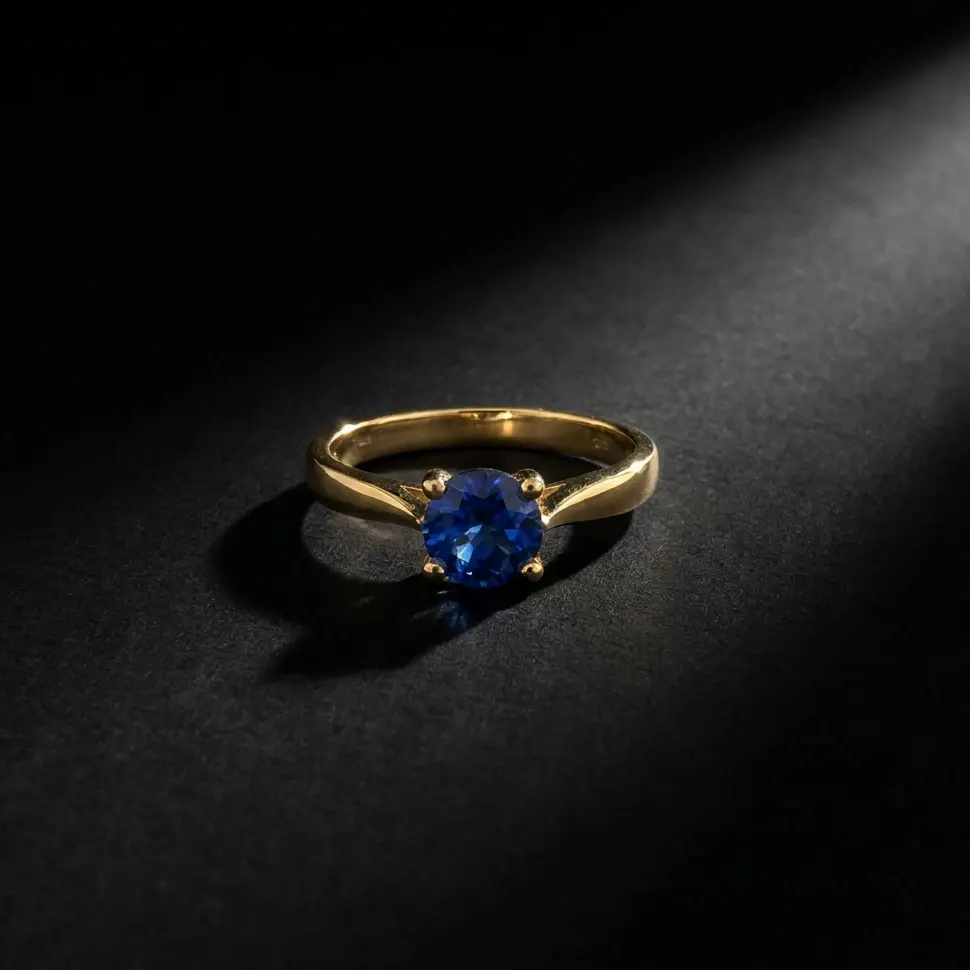
Gold ring: a phone snapshot relit as a studio product shot: BeforeGold ring: a phone snapshot relit as a studio product shot: AfterPhone shotLow key

Gold ring · Low key

Show the prompt: Relight this product photo as a professional studio product shot with one hard key light on a black set, deep shadows and a dark background, the product the only bright subject. The key light comes from the right of the camera, raised high and angled down. Add a hard contact shadow right under the product where it touches the surface, grounding it. Replace the background with a black seamless background, and place the product on it as in a studio. Change only the light, shadows, highlights and reflections. Keep the product exactly as it is: its shape, proportions, colours, materials, printed label, logo and every letter of its text. Keep the camera angle and framing. Add no new objects, people, text or watermarks, and show no lights, stands, softboxes or other studio equipment in the frame.

01

Contact shadow or cast shadow

A contact shadow is the small dark area right under an object where it meets the surface. It is what marketplaces usually want: it grounds the product without drawing attention. A cast shadow is the longer shape the product throws away from the light. It adds depth and a sense of time and place, and suits lifestyle images and social posts. Soft edges read like a large window or a diffused light; hard edges read like direct sun or a bare flash.

02

Why the light and the shadow are made together

A shadow pasted under a product often gives itself away: the highlight on the product says the light is on the left while the shadow falls to the left too. Here the key light, the highlights and the shadow come from one instruction, so they agree. Afterwards the studio restores the product’s own colour inside its cut-out and checks the label, so the shadow work does not cost you an accurate product.

Credits per photo

Before every run, the price of that exact relight shows next to the button. Plans and credit packs

ModelGood for1K2K4K
Nano Banana ProDefault: keeps products and labels best; runs photos with people117117151
GPT Image 2Product-only photos at a lower price4871105

Questions

Can I add a realistic shadow to a product photo?

Yes. Pick a contact or cast shadow and a soft or hard edge, and the product is relit together with its surface so the shadow matches the light.

Which shadow is best for Amazon or Etsy?

A soft contact shadow on white is the usual choice for a main image. For secondary images and lifestyle photos, a soft cast shadow on one of our scenes adds depth.

Can I get a transparent PNG with the shadow?

The transparent PNG export keeps the product cut-out only. When you need the shadow, export on white or on your chosen backdrop.

Does the shadow change my product?

It should not. The model is asked to keep the product as it is, and after the render your browser restores its colour and checks its label, flagging any result where the label looks different.