
01
接触阴影还是投射阴影
接触阴影是物体与台面接触处正下方的一小片暗部。电商平台通常需要它:它让商品落地,又不抢眼。投射阴影是商品背离光源投下的较长影子,能增加纵深,带出时间和环境感,适合生活方式图和社交媒体帖子。柔和边缘像大窗户或柔光,硬朗边缘像直射阳光或裸闪光灯。
商品阴影能让物品看起来是放在台面上,而不是飘在半空。这款 AI 阴影生成器不会在抠图下面贴一块灰色模糊,而是把商品和台面一起重新打光,让阴影来自塑造商品的同一盏光。你可以选择紧贴商品与地面接触处的接触阴影,或背离主光落下的投射阴影,并设定边缘柔和或硬朗。
$13.89 起,注册即送一次布光的免费点数
更新于
把最多 10 张产品照片拖到这里
支持 JPG、PNG、WebP、HEIC,单张不超过 20 MB;大图会先在浏览器里缩小。
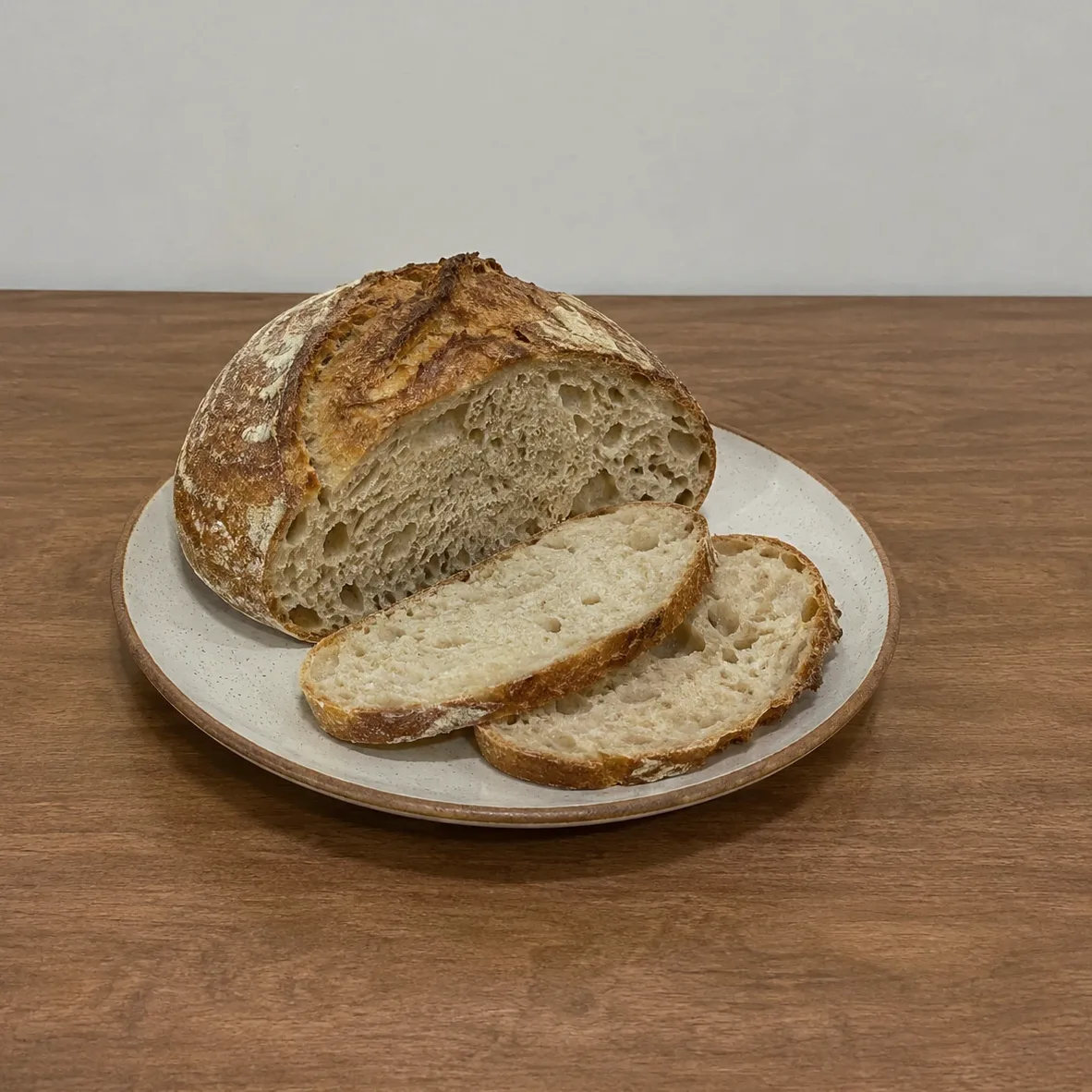
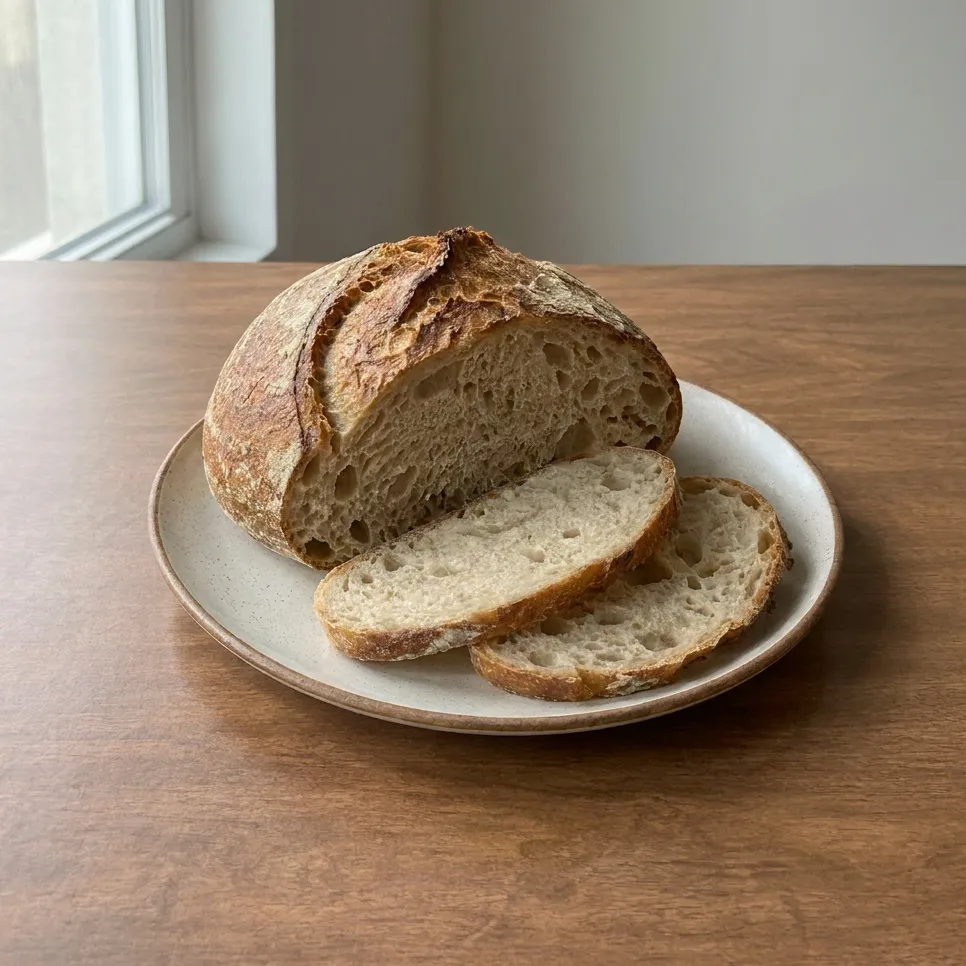 手机原图窗光
什么背景都可以。想要干净的效果,请让整件商品连同底部都在画面里。
选接触阴影或投射阴影、柔和或硬朗。投射阴影会背离主光落下,所以请把主光设在左侧、右侧、上方或后方,高度选低位、与产品齐平或高位。主光越低,阴影越长。
保留原背景、使用布光自带的无缝背景、纯色、我们的场景或你自己的背景。然后下载结果或电商平台裁切版本,在浏览器里免费完成。
手机原图窗光酸面包 · 窗光
查看提示词: Relight this product photo as a professional studio product shot with soft natural daylight from a large window on one side, falling off gently across the product, with a soft shadow. The key light comes from the left of the camera, at the product’s own height. Add a soft-edged cast shadow falling away from the key light onto the surface. Keep the photo’s own background and setting; only its light changes to match. Change only the light, shadows, highlights and reflections. Keep the product exactly as it is: its shape, proportions, colours, materials, printed label, logo and every letter of its text. Keep the camera angle and framing. Add no new objects, people, text or watermarks, and show no lights, stands, softboxes or other studio equipment in the frame.
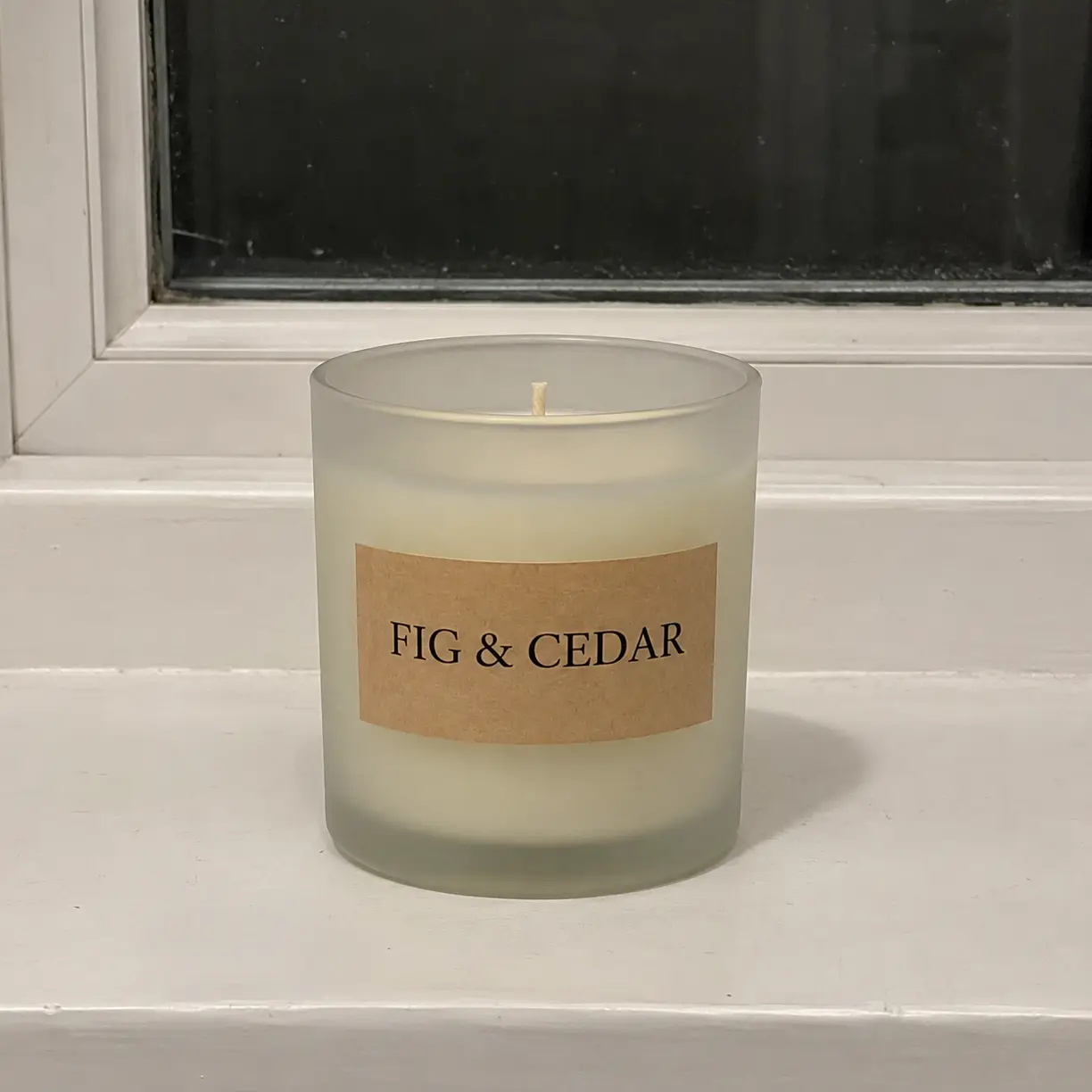
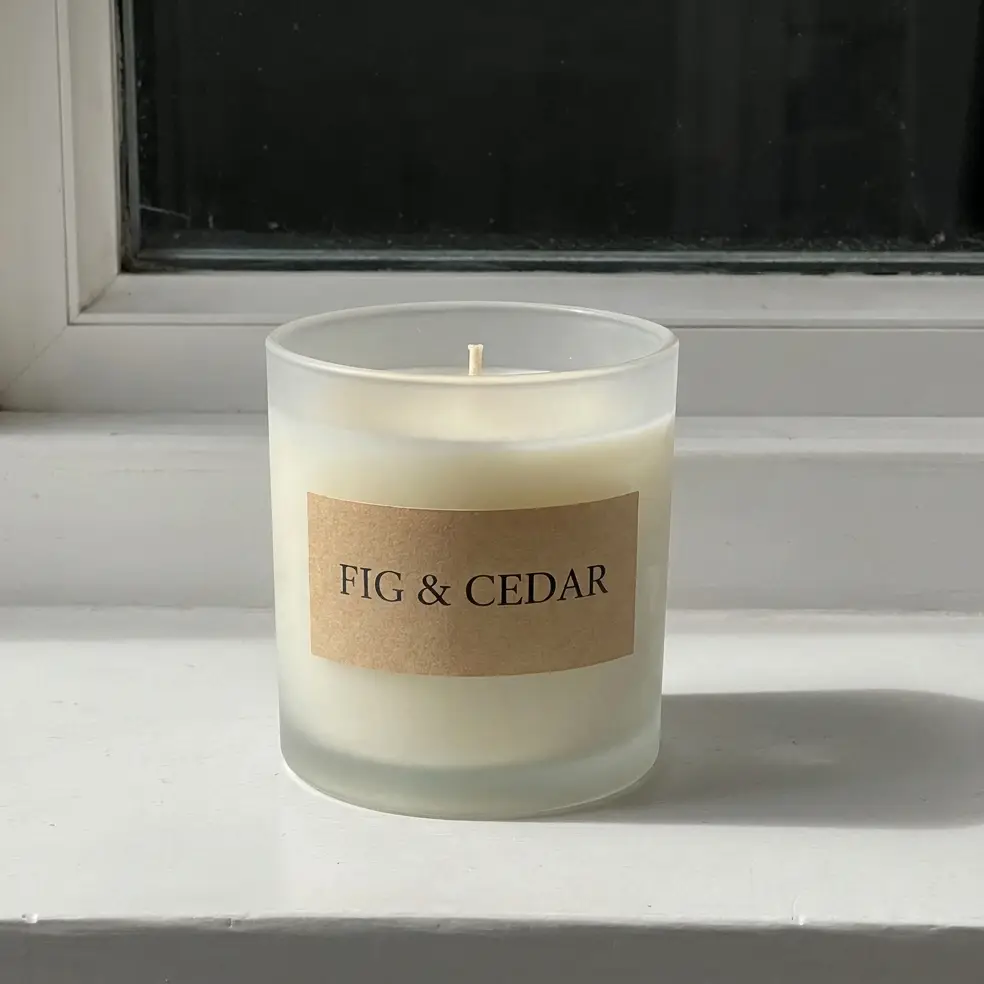 手机原图窗光
玻璃罐蜡烛 · 窗光
查看提示词: Relight this product photo as a professional studio product shot with soft natural daylight from a large window on one side, falling off gently across the product, with a soft shadow. The key light comes from the left of the camera, at the product’s own height. Add a soft-edged cast shadow falling away from the key light onto the surface. Keep the photo’s own background and setting; only its light changes to match. Change only the light, shadows, highlights and reflections. Keep the product exactly as it is: its shape, proportions, colours, materials, printed label, logo and every letter of its text. Keep the camera angle and framing. Add no new objects, people, text or watermarks, and show no lights, stands, softboxes or other studio equipment in the frame.
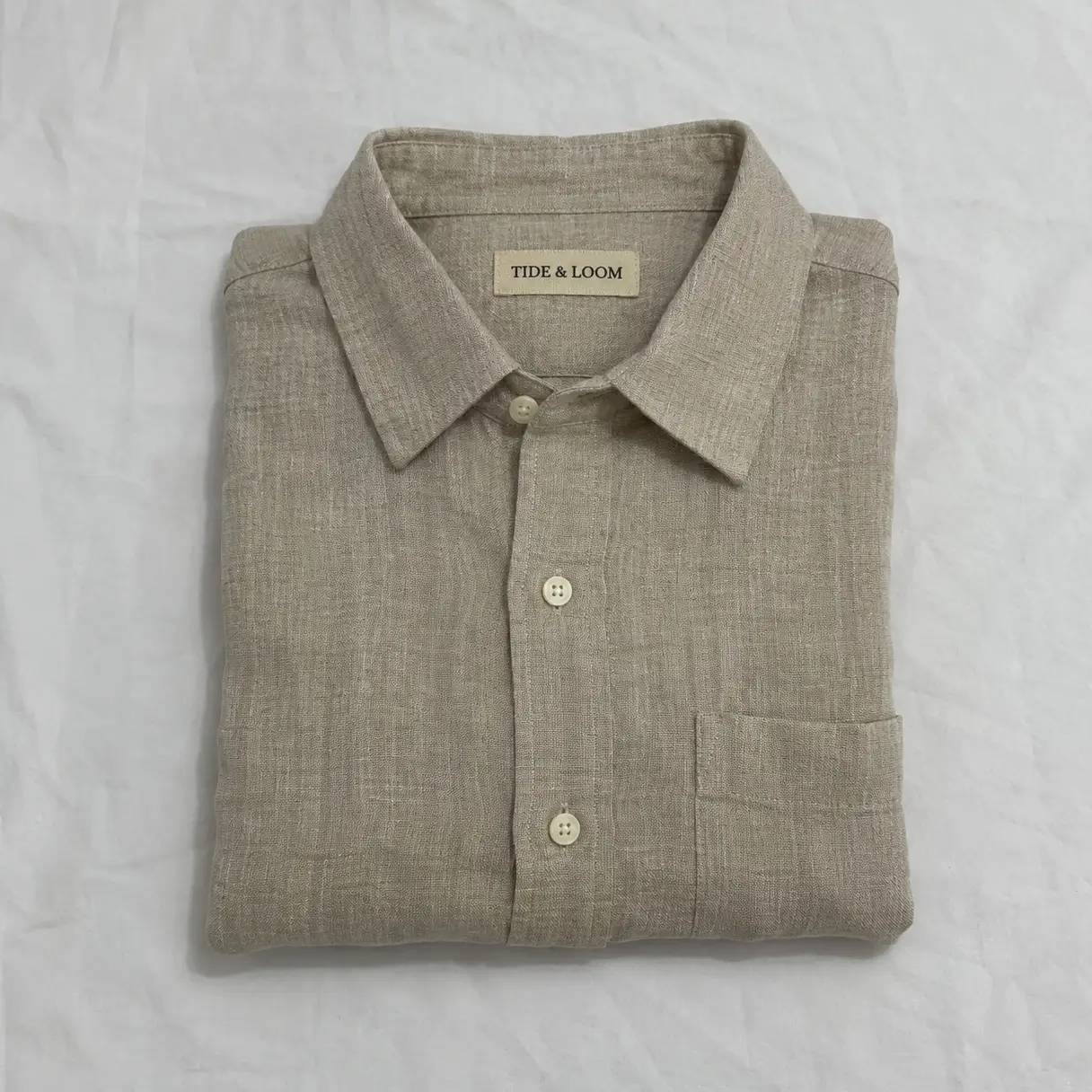
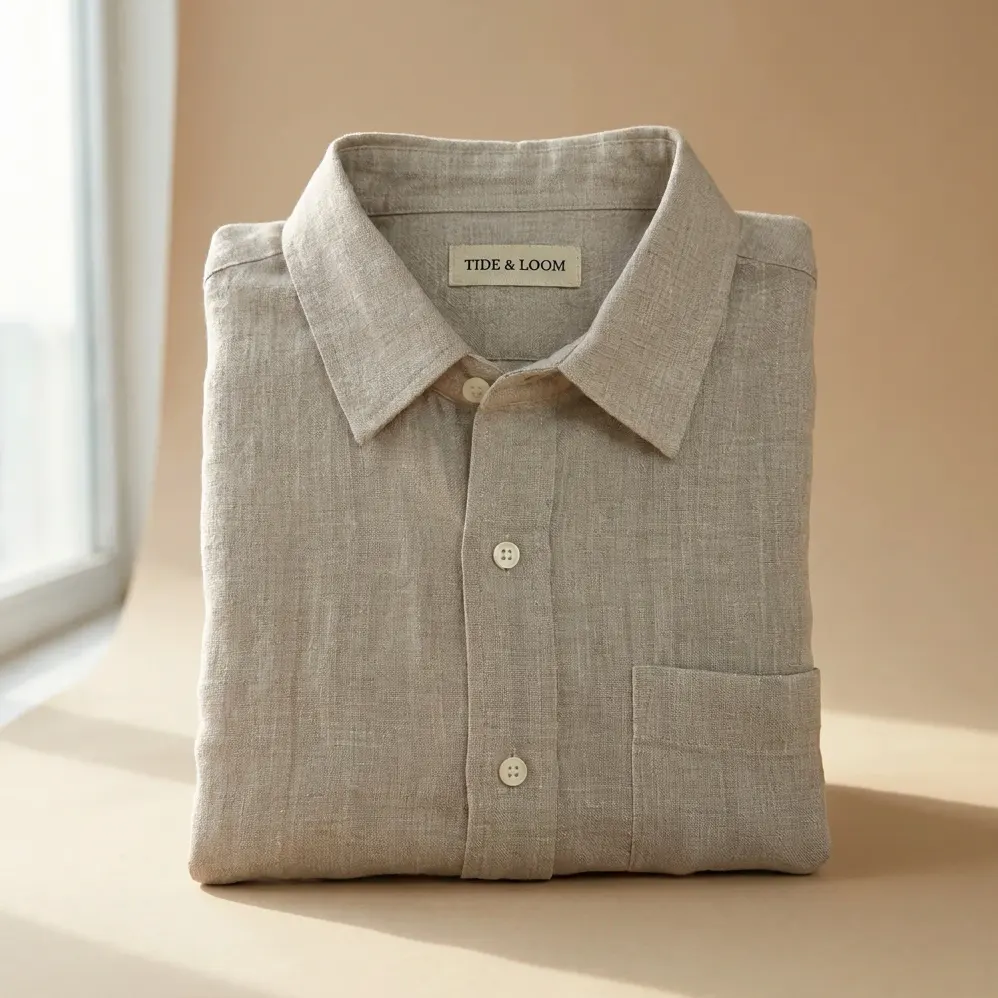 手机原图窗光
亚麻衬衫 · 窗光
查看提示词: Relight this product photo as a professional studio product shot with soft natural daylight from a large window on one side, falling off gently across the product, with a soft shadow. The key light comes from the left of the camera, at the product’s own height. Add a soft contact shadow right under the product where it touches the surface, grounding it. Replace the background with a seamless warm sand beige paper sweep, and place the product on it as in a studio. Change only the light, shadows, highlights and reflections. Keep the product exactly as it is: its shape, proportions, colours, materials, printed label, logo and every letter of its text. Keep the camera angle and framing. Add no new objects, people, text or watermarks, and show no lights, stands, softboxes or other studio equipment in the frame.
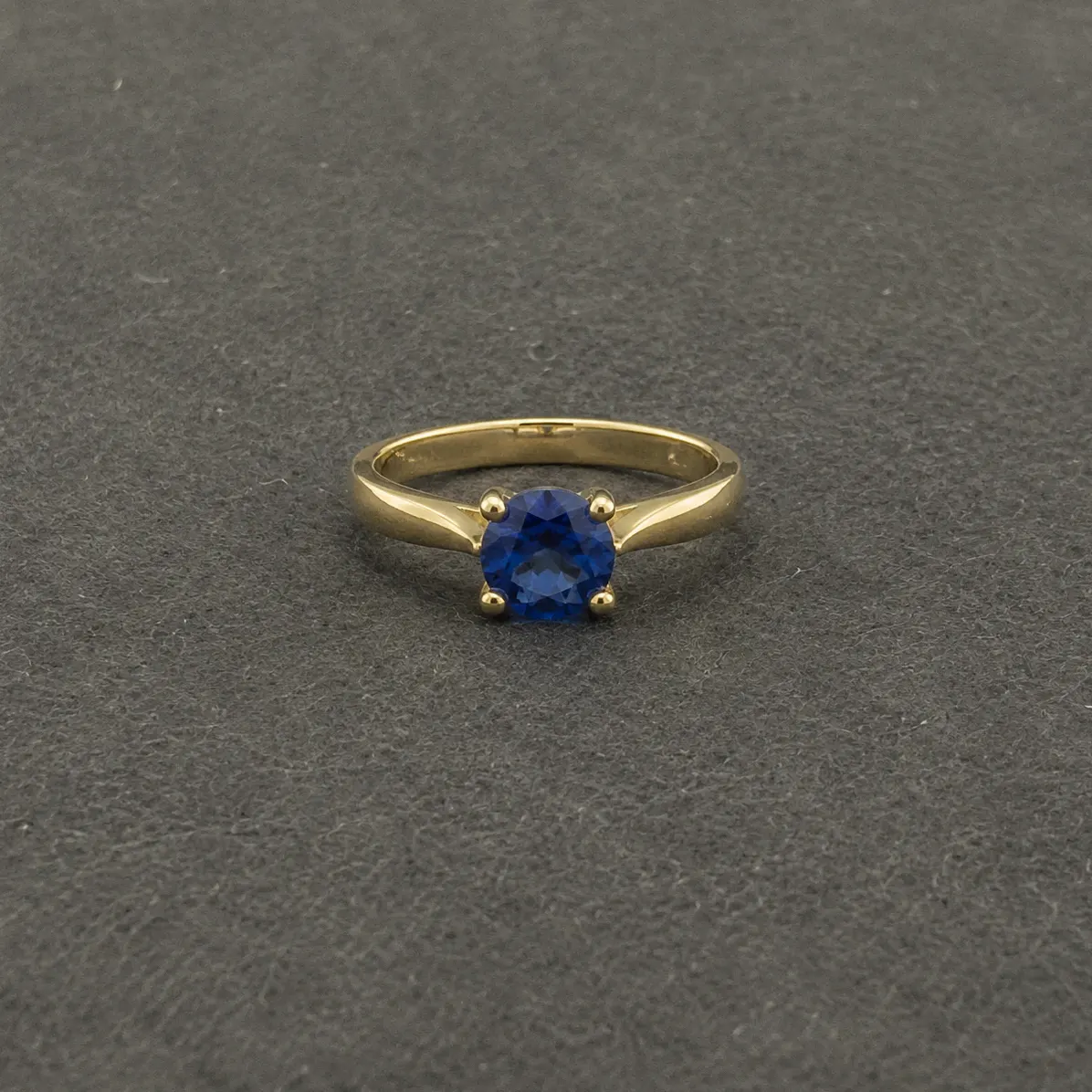
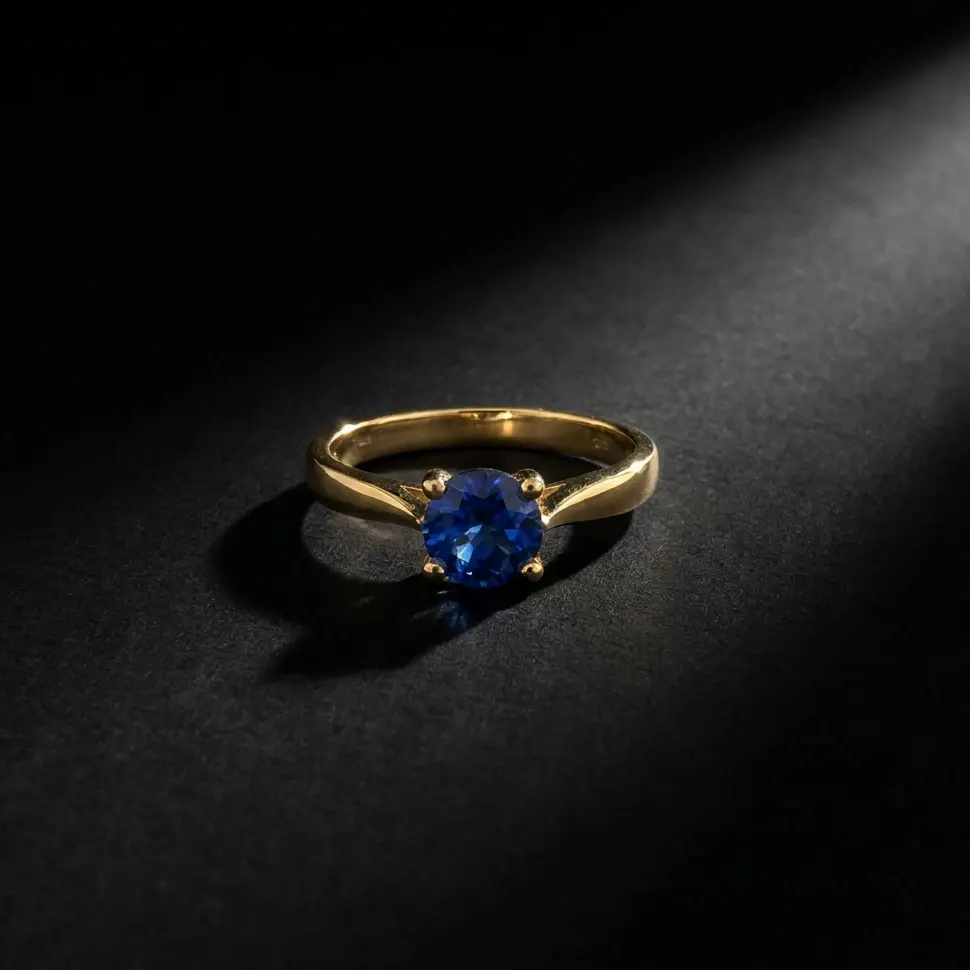 手机原图低调光
金戒指 · 低调光
查看提示词: Relight this product photo as a professional studio product shot with one hard key light on a black set, deep shadows and a dark background, the product the only bright subject. The key light comes from the right of the camera, raised high and angled down. Add a hard contact shadow right under the product where it touches the surface, grounding it. Replace the background with a black seamless background, and place the product on it as in a studio. Change only the light, shadows, highlights and reflections. Keep the product exactly as it is: its shape, proportions, colours, materials, printed label, logo and every letter of its text. Keep the camera angle and framing. Add no new objects, people, text or watermarks, and show no lights, stands, softboxes or other studio equipment in the frame.
01
接触阴影是物体与台面接触处正下方的一小片暗部。电商平台通常需要它:它让商品落地,又不抢眼。投射阴影是商品背离光源投下的较长影子,能增加纵深,带出时间和环境感,适合生活方式图和社交媒体帖子。柔和边缘像大窗户或柔光,硬朗边缘像直射阳光或裸闪光灯。
02
贴在商品下方的阴影常常露馅:商品上的高光说明光在左边,阴影却也落在左边。在这里,主光、高光和阴影来自同一条指令,所以方向一致。之后工作室还会在抠图范围内还原商品原本的颜色并检查标签,阴影做得再好,商品也不会因此失真。
每次运行前,按钮旁都会显示这次打光的确切价格。 套餐与积分包
| 模型 | 适合 | 1K | 2K | 4K |
|---|---|---|---|---|
| Nano Banana Pro | 默认:最能保住产品和标签;可处理带人物的照片 | 117 | 117 | 151 |
| GPT Image 2 | 纯产品照片,价格更低 | 48 | 71 | 105 |
可以。选择接触阴影或投射阴影、柔和或硬朗边缘,商品会和台面一起重新打光,阴影与光线方向一致。
主图通常用白底上的柔和接触阴影。辅图和生活方式图可以在我们的场景上用柔和投射阴影,增加纵深。
透明 PNG 导出只保留商品抠图。需要阴影时,请导出白底或你选择的背景版本。
不应该。模型被要求保持商品原样;渲染后,你的浏览器会还原它的颜色并检查标签,标签看起来有变化的结果会被标记。